Svg Craft logo
Svg Craft Logo

Svg Craft

Create Magic Vectors
in seconds 

The most powerful AI vector generator to transform your ideas into stunning graphics. Turn your text prompts or images into scalable SVG art instantly with Svg Craft's magic engine.

1/4
Prompt to SVG

Turn a prompt into editable vector art

Start with text or a reference image, generate clean SVG artwork, then refine it for logos, icons, stickers, engraving, merch, and web graphics.

Laser engraving artwork — Engraved on wood

Laser engraving artwork

Vinyl
Editable SVGEngraved on wood
Print illustration — Printed poster

Print illustration

Engraving
Editable SVGPrinted poster
Cut file artwork — Cut decal

Cut file artwork

Silhouette
Editable SVGCut decal
Vector output

Export artwork that stays sharp everywhere

SVG output keeps edges crisp, paths editable, and files ready for design tools, websites, print shops, Cricut projects, and laser workflows.

Before
After
Vinyl
Before
After
Engraving
Before
After
Outline
Professional SVG Editor

Create and Edit SVGs in One Workflow

Generate SVG designs, refine vector paths and layers, customize colors and typography, and apply ready-made styles for web, print, Cricut, and laser cutting projects.

Online SVG Editor

Online SVG editor with pen, brush, path edit, color controls, and magic eraser for clean SVGs.

Objects

6 items
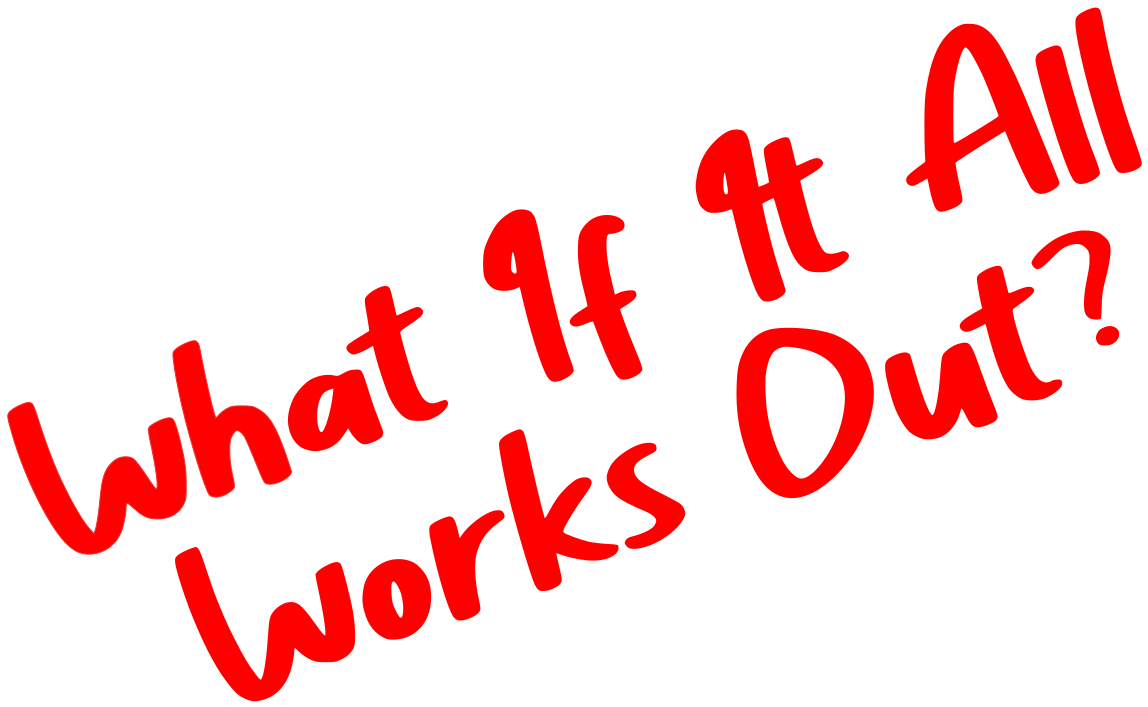
Top Letter
Bottom Letter
Top Spade
Bottom Spade
Center Spade
Title Text
1 selectedClick eye to toggle visibility
Title Text
Center Spade
Bottom Spade
Top Spade
Bottom Letter
Top Letter
Layer Management

Reorder layers via drag and drop, toggle visibility, lock items, and group or ungroup shapes cleanly.

Text

32
Letter Spacing
0
Line Height
1.2

Style Controls

Take full control of every visual detail with Svg Craft's professional style controls. Pick precise fill colors via HEX or RGB, save brand presets, and recall recent picks instantly. Tune typography on the canvas: font family, size, weight, italics, alignment, letter spacing, and line height. Built for designers and shops that need pixel-perfect, on-brand vectors.

Open Editor

Design Ready Presets

Apply styles to SVGs instantly. Choose Vinyl, Flat, Outline, Silhouette, Engraving, Drawing, Linocut, or Cartoon presets for modern vectors.

Start a project
Gallery

Discover Amazing Creations

Browse standout SVG vectors from the community, collect inspiration, and turn new ideas into finished work.

Gallery 1
Gallery 2
Gallery 3
Gallery 4
Gallery 5
Gallery 6
Gallery 7
Gallery 8
Gallery 9
Gallery 10
Gallery 11
Gallery 12
Gallery 13
Gallery 14
Gallery 15
Gallery 16
Gallery 17
Gallery 18
Gallery 19
Gallery 20
Gallery 21
Gallery 22
Gallery 23
Gallery 24
Gallery 1
Gallery 2
Gallery 3
Gallery 4
Gallery 5
Gallery 6
Gallery 7
Gallery 8
Gallery 9
Gallery 10
Gallery 11
Gallery 12
Gallery 13
Gallery 14
Gallery 15
Gallery 16
Gallery 17
Gallery 18
Gallery 19
Gallery 20
Gallery 21
Gallery 22
Gallery 23
Gallery 24
Trusted by Thousands

What Our Users Say

Designers, developers, makers, and shop owners use Svg Craft to create editable SVG vectors for web, print, cutting machines, and product graphics.

Maya Greaves
Digital Product Designer
The AI SVG generator gives me clean icon directions fast. I can open the SVG editor, adjust paths and colors, and export editable SVG assets without redrawing everything.
Theo Bennett
Front-End Developer
For web UI work, the SVG files stay small and easy to inspect. I use Pro mode when I need sharper detail, then tweak the paths before shipping icons.
Elena Ruiz
Cricut Template Seller
The results import cleanly into Cricut Design Space. Editing layers and removing small fragments before export saves time on decals, stickers, and shirt transfers.
Priya Nandakumar
Brand Designer
Style presets help me test flat, outline, line art, and silhouette SVG versions from the same prompt. It is faster than building every vector direction manually.
Maya Greaves
Digital Product Designer
The AI SVG generator gives me clean icon directions fast. I can open the SVG editor, adjust paths and colors, and export editable SVG assets without redrawing everything.
Theo Bennett
Front-End Developer
For web UI work, the SVG files stay small and easy to inspect. I use Pro mode when I need sharper detail, then tweak the paths before shipping icons.
Elena Ruiz
Cricut Template Seller
The results import cleanly into Cricut Design Space. Editing layers and removing small fragments before export saves time on decals, stickers, and shirt transfers.
Priya Nandakumar
Brand Designer
Style presets help me test flat, outline, line art, and silhouette SVG versions from the same prompt. It is faster than building every vector direction manually.
Maya Greaves
Digital Product Designer
The AI SVG generator gives me clean icon directions fast. I can open the SVG editor, adjust paths and colors, and export editable SVG assets without redrawing everything.
Theo Bennett
Front-End Developer
For web UI work, the SVG files stay small and easy to inspect. I use Pro mode when I need sharper detail, then tweak the paths before shipping icons.
Elena Ruiz
Cricut Template Seller
The results import cleanly into Cricut Design Space. Editing layers and removing small fragments before export saves time on decals, stickers, and shirt transfers.
Priya Nandakumar
Brand Designer
Style presets help me test flat, outline, line art, and silhouette SVG versions from the same prompt. It is faster than building every vector direction manually.
Maya Greaves
Digital Product Designer
The AI SVG generator gives me clean icon directions fast. I can open the SVG editor, adjust paths and colors, and export editable SVG assets without redrawing everything.
Theo Bennett
Front-End Developer
For web UI work, the SVG files stay small and easy to inspect. I use Pro mode when I need sharper detail, then tweak the paths before shipping icons.
Elena Ruiz
Cricut Template Seller
The results import cleanly into Cricut Design Space. Editing layers and removing small fragments before export saves time on decals, stickers, and shirt transfers.
Priya Nandakumar
Brand Designer
Style presets help me test flat, outline, line art, and silhouette SVG versions from the same prompt. It is faster than building every vector direction manually.
Marcus Hale
Laser Cutting Studio
I check the paths in the editor before sending files to the cutter. The cleaner SVG structure means fewer stray shapes and less setup time.
Aylin Brooks
Etsy Digital Downloads
Generating four variations at once helps me compare printable SVG ideas quickly. Normal mode is enough for simple files, and Pro mode helps with detailed artwork.
Noah Kim
Product Marketer
I turn rough campaign prompts into editable SVG graphics for landing pages and emails, then export matching PNG previews for review with the team.
Clara Voss
Freelance Illustrator
Uploading a reference image gives me a useful vector starting point. I refine color, layers, and typography in the editor instead of starting from a blank canvas.
Marcus Hale
Laser Cutting Studio
I check the paths in the editor before sending files to the cutter. The cleaner SVG structure means fewer stray shapes and less setup time.
Aylin Brooks
Etsy Digital Downloads
Generating four variations at once helps me compare printable SVG ideas quickly. Normal mode is enough for simple files, and Pro mode helps with detailed artwork.
Noah Kim
Product Marketer
I turn rough campaign prompts into editable SVG graphics for landing pages and emails, then export matching PNG previews for review with the team.
Clara Voss
Freelance Illustrator
Uploading a reference image gives me a useful vector starting point. I refine color, layers, and typography in the editor instead of starting from a blank canvas.
Marcus Hale
Laser Cutting Studio
I check the paths in the editor before sending files to the cutter. The cleaner SVG structure means fewer stray shapes and less setup time.
Aylin Brooks
Etsy Digital Downloads
Generating four variations at once helps me compare printable SVG ideas quickly. Normal mode is enough for simple files, and Pro mode helps with detailed artwork.
Noah Kim
Product Marketer
I turn rough campaign prompts into editable SVG graphics for landing pages and emails, then export matching PNG previews for review with the team.
Clara Voss
Freelance Illustrator
Uploading a reference image gives me a useful vector starting point. I refine color, layers, and typography in the editor instead of starting from a blank canvas.
Marcus Hale
Laser Cutting Studio
I check the paths in the editor before sending files to the cutter. The cleaner SVG structure means fewer stray shapes and less setup time.
Aylin Brooks
Etsy Digital Downloads
Generating four variations at once helps me compare printable SVG ideas quickly. Normal mode is enough for simple files, and Pro mode helps with detailed artwork.
Noah Kim
Product Marketer
I turn rough campaign prompts into editable SVG graphics for landing pages and emails, then export matching PNG previews for review with the team.
Clara Voss
Freelance Illustrator
Uploading a reference image gives me a useful vector starting point. I refine color, layers, and typography in the editor instead of starting from a blank canvas.
+100

100 satisfied creators

5 stars
3 Simple Steps

How It Works

Create professional SVG vectors in three simple steps.

01

Enter Your Prompt

Describe what you want or upload an image as reference.

02

AI Generates the Vector

Our model turns your input into a unique SVG graphic.

03

Download and Use

Export instantly and use the result in your next project.

+

Combine Image + Text for Unique Results

Upload your own image and add a prompt to create personalized SVG variations for logos, icons, and illustrations.

Pricing

Pricing Plans

Pick the plan that fits your workflow. Cancel anytime.

Starter

Best option to test our tool

$10/month
100 credits / images per month
  • AI SVG Generator
  • SVG Editor (edit and customize)
  • Download as PNG, JPG, PDF, SVG
  • Commercial license
  • AI Background Remover Tool
  • AI Image Upscaler Tool
  • No team members on Starter

Pro

Most Popular

Best option for small projects

$20/month
$30 300 credits / images per month
  • AI SVG Generator
  • SVG Editor (edit and customize)
  • Download as PNG, JPG, PDF, SVG
  • Commercial license
  • AI Background Remover Tool
  • AI Image Upscaler Tool
  • 1 editor seat on Pro

Business

Save 50%

Best option for medium projects

$40/month
$80 800 credits / images per month
  • AI SVG Generator
  • SVG Editor (edit and customize)
  • Download as PNG, JPG, PDF, SVG
  • Commercial license
  • AI Background Remover Tool
  • AI Image Upscaler Tool
  • 5 editor seats on Business
Got Questions?

Frequently Asked Questions

Everything you need to know about Svg Craft and our SVG generation workflow.

Create Production-ReadySVG Vectors

Use Svg Craft as your AI SVG generator for logos, icons, stickers, print graphics, and web illustrations.